Veeam: 7 Critical Reasons for Microsoft 365 Backup

Microsoft 365 data loss isn’t if, it’s when.Microsoft keeps the service running. Recovering your data after an attack, deletion or policy mistake is your responsibility.


Isometric city blocks with a location pin and checkmark, representing organisations making technology decisions

The Big Misconception About Microsoft 365 Data

Most organisations assume Microsoft protects their Microsoft 365 data. It doesn’t, at least not in the way that matters when something goes wrong.

Microsoft keeps the service available. Under the Shared Responsibility Model, the integrity, retention and recovery of your data and identities are yours. Geo-redundancy protects Microsoft’s infrastructure, not your files. It copies a deletion or a corrupted change across regions just as faithfully as good data.

Native retention and version history have the same blind spot: they keep the current state, damage included. Most serious incidents now start with a compromised identity, so attackers act as trusted users, often for months before anyone notices.

That gap between uptime and recovery is where attackers aim.

‍

WHAT YOU’LL FIND INSIDE

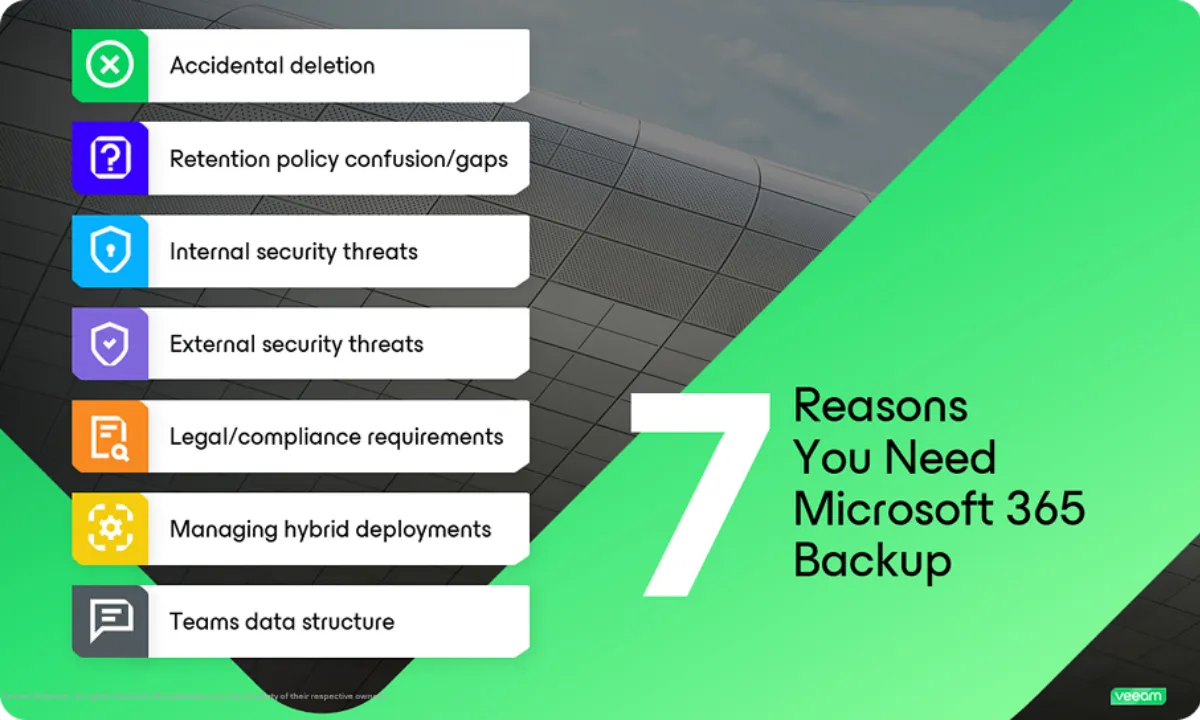
A 5-minute read on the 7 most common Microsoft 365 data loss scenarios:

  • Identity-driven attacks: how stolen credentials, malicious OAuth consent and token misuse let attackers operate as trusted users
  • Insider threats: how quiet changes made with trusted access undermine audits, eDiscovery and compliance
  • Accidental and malicious deletion: why removing one user can also remove their mailbox, OneDrive and linked objects
  • Retention policy gaps: why retention is governance, not backup, and can’t rebuild permissions, Teams structures or Conditional Access policies
  • Teams complexity: how deleting one Team can also wipe its SharePoint site and shared files
  • Legal and compliance: what NIS2, DORA and SEC reporting expect when you need to rebuild an accurate record
  • Hybrid environments: how one admin error or stolen credential can spread across on-premises Exchange and Exchange Online through sync

Download the report

*By clicking the Download button, you agree to our Privacy Policy.

AmiViz complies with applicable export-control and sanctions regulations. Inquiries from restricted destinations or parties cannot be serviced.

Thank you! Your report is ready.
Something went wrong while sending the form. Please try again.

Want to schedule a demo for Veeam?

Veeam Data Cloud for Microsoft 365 protects Exchange, SharePoint, OneDrive, Teams and Entra ID with immutable backups, unlimited storage and fast recovery.

Talk to an Advisor